

Export diagrams
archidocs export draws a View as a picture, styled like the viewer: SVG for docs and wikis, PNG for slides and chat. Every diagram on this site is drawn this way.
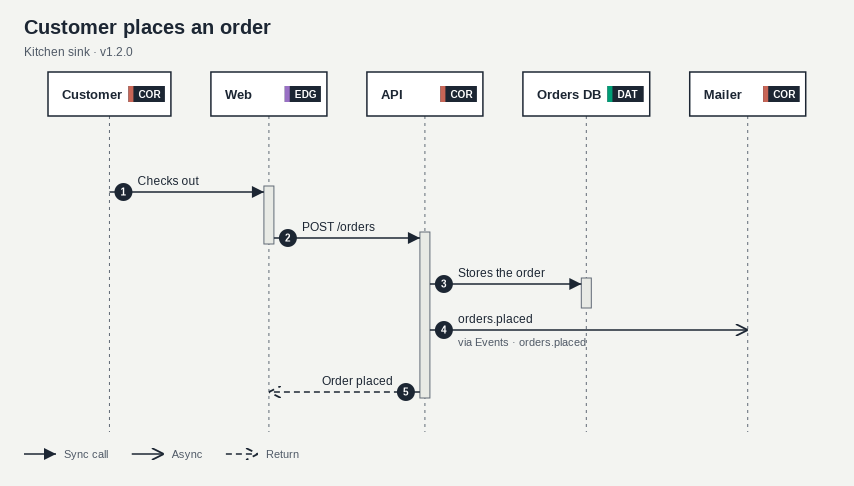
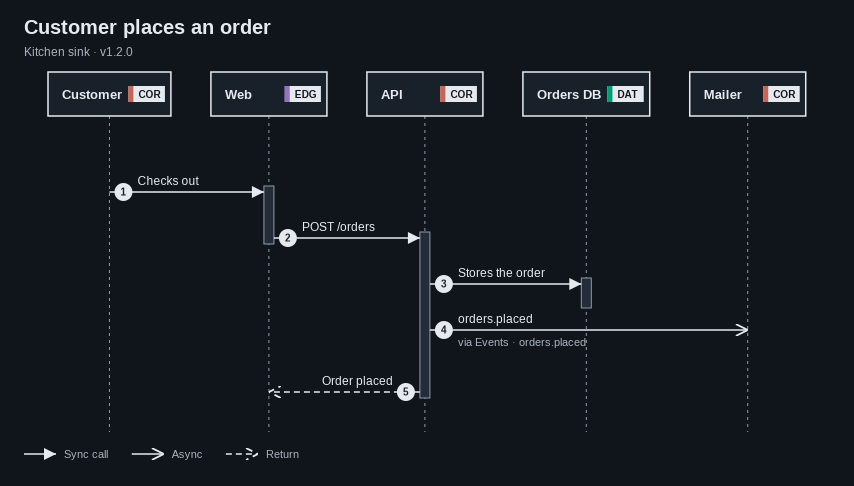
One View
Section titled “One View”Name the View: a Generated View (c1, c2, c2/<system>, c3/<service>, deployment/<environment>) or a Saved View by its Qualified id:
archidocs export c2archidocs export payments:make-a-payment --format png --out make-a-payment.pngWithout --out, the picture is written to <view-id>.<format> in the current folder.
Every Saved View
Section titled “Every Saved View”archidocs export --all-saved --out viewswrites one picture per Saved View into views/, named by its id with : and / turned into -. This is what the Action’s images input publishes. See Saved View images.
Options
Section titled “Options”--theme darkdraws it in the viewer’s dark Night shift palette, for dark slides and pages.--direction LRlays a structural View out left to right;TB,BTandRLare the others. Dynamic Views ignore it.--label "Big Bank · v1.2.0"replaces the line under the title, which otherwise names the Workspace, the short commit and the date.
Each is in the archidocs export reference.
From the viewer
Section titled “From the viewer”The viewer downloads the View on screen as SVG or PNG too, with what is open and the Lens as they are. Use export when a picture should be rebuilt from the Model, in CI or a docs build.